
Family Travel eSIM: Share Data or Buy Separate Plans?
Compare one shared eSIM with separate family plans, using real prices, data budgets and hotspot tips for phones, children’s tablets and days out.

In this article
For a family holiday, the best internet setup depends on whether you stay together. One travel eSIM can provide data to nearby phones and tablets through a personal hotspot. Separate eSIMs give each compatible phone its own connection when people split up. Many families benefit from a middle option: a connection for each adult, with children’s Wi-Fi tablets sharing when needed.
The important distinction is between sharing an internet connection and installing the same eSIM twice. A hotspot shares data from the host phone; it does not copy the eSIM onto another device. This guide compares the practical choices and their cost, so you can decide before the airport rather than discover the limitations during your trip.
Which setup fits your family’s trip?
| Your situation | Practical setup | Main trade-off |
|---|---|---|
| Couple sightseeing together | One eSIM plus hotspot | The other phone needs to stay near the host. |
| Two adults taking different routes | One eSIM per adult | Higher cost can buy useful independence. |
| Parents with Wi-Fi-only tablets | Adult connection(s), tablets on hotspot | Tablets do not need eSIM hardware to join Wi-Fi. |
| Teenager going out separately | Their own suitable mobile connection | A hotspot back at the hotel cannot keep them connected. |
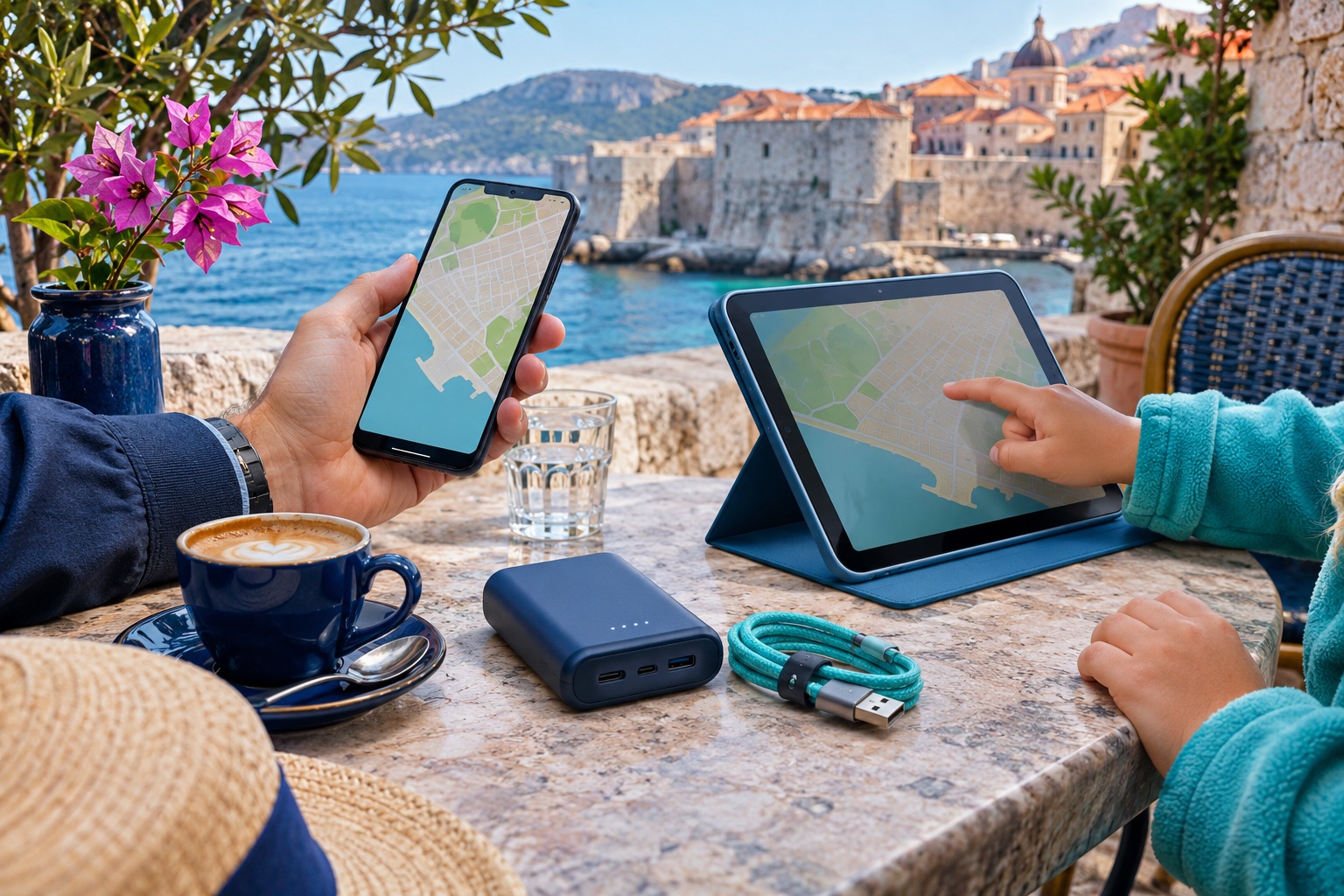
What does sharing actually cost? Real package examples
The following eSIMfo Turkey data packages were checked on 5 November 2026 in euros. All examples below use 15-day packages, so the validity is comparable. They illustrate the decision; prices and coverage differ by destination. These are ordinary individual packages, not a special pooled family subscription.
| Arrangement | Total purchased data | Total cost | What you get |
|---|---|---|---|
| 1 × 20 GB / 15 days | 20 GB | €10.60 | One independent connection; share nearby. |
| 2 × 10 GB / 15 days | 20 GB | €13.70 | Two independent 10 GB allowances. |
| 2 × 20 GB / 15 days | 40 GB | €21.20 | Two connections, each able to share locally. |
| 4 × 10 GB / 15 days | 40 GB | €27.40 | Four independent connections. |
For two people, two 10 GB plans cost €3.10 more than one 20 GB plan. Total data and validity are the same; the extra money buys independence. If one partner goes shopping while the other visits a museum, that difference may be worthwhile. Separate allowances cannot be moved between phones or treated as one shared balance.
For four people, two 20 GB plans cost €6.20 less than four 10 GB plans, with 40 GB purchased either way. This works well when each adult stays with one child. It works less well when all four people need independent maps, messaging or transport apps in different places.
A lighter backup option is 20 GB plus a separate 2 GB/15-day package at €2.50: €13.10 total, with 22 GB split between two lines. This is not an equal-data comparison with the first row. The small line is for modest use when apart; check how much the second traveler actually needs.
Compare current Turkey data plans
How much data does a family need?
Build a budget around people and activities, not the number of screens. Suppose four travelers each allow 300 MB per day for seven days: 4 × 300 MB × 7 = 8,400 MB, approximately 8.4 GB in decimal units. A 25% planning buffer brings that example to 10.5 GB. This is an arithmetic scenario, not a measured promise of what maps, messaging or video will consume.
Then add heavier activities separately. Video, cloud photo backups, game downloads and laptop updates can dominate a shared allowance. Download children’s entertainment and offline maps before departure; set video quality deliberately. Review actual usage after the first day instead of waiting until the package is nearly empty.
How do you set up family internet before departure?
- Check the exact phone model, regional variant and carrier-lock status for every device that will host an eSIM. Devices joining through Wi-Fi only need compatible Wi-Fi; they do not all need eSIM support.
- Assign each purchased eSIM to the intended phone and label it clearly. Keep its installation details private. Install on reliable Wi-Fi and read the package’s activation trigger before choosing when to install or enable it.
- Select the travel eSIM for mobile data. Follow its roaming instructions, while switching off data roaming and automatic data switching on the home line if you want to avoid unintended home-carrier data charges.
- On iPhone, open Settings → Personal Hotspot and enable Allow Others to Join for ordinary Wi-Fi sharing. On Pixel, use Settings → Network & internet → Hotspot & tethering → Wi-Fi hotspot. Other Android menu names vary. Set a strong password and connect the other device to that network.
- Test with the receiving device’s mobile data switched off, so you know the hotspot is working. Check that the intended travel line supplies the data. Family Sharing on Apple devices can simplify joining; it does not create a new mobile subscription or extra data.

What can go wrong during a day out?
Someone leaves with the host phone
Anyone relying on that hotspot loses the shared connection once out of Wi-Fi range. Agree on meeting points and save tickets, hotel details and essential maps offline.
The host battery runs low
Sharing adds battery load. Carry a suitable power bank, keep the phone out of direct sun and turn the hotspot off when finished. Do not bury a hot, charging phone in a bag.
A tablet uses more data than expected
A tablet may treat the hotspot like ordinary Wi-Fi and start backups or downloads. Pause updates, photo sync and automatic video downloads on receiving devices too.
The hotspot connects but there is no internet
First test mobile data on the host itself. Then check the selected line, remaining allowance, package validity and the provider’s settings. Restart the connection and check the password. Do not delete an eSIM as a first troubleshooting step.
Read our detailed hotspot guide (English) · More on traveling with multiple devices (English)
Match the package to your whole route
A family data budget is only useful where the package works. For a single destination, compare that country’s products. For a multi-country holiday, check each stop against a regional or global package’s actual coverage list, including transfers where you need data. A region’s marketing name does not guarantee every nearby country is included.
Also distinguish data from a phone number. A data-only travel eSIM can support internet messaging and app calls, but it does not automatically provide traditional calls, SMS or the verification messages sent to your original number. Keep the home line available if needed and check its separate roaming charges.
Family eSIM questions, answered
Can the same eSIM be used on two phones at once?
Do not install the same travel eSIM profile on two phones simultaneously. Install it on the assigned phone and share its internet through hotspot, or buy a separate eSIM for the second phone. Profile transfer rules are a different question and depend on the provider.
Can I share eSIMfo internet with my family?
Yes. eSIMfo’s current products support hotspot. Nearby devices share the host phone’s data allowance. Device connection limits, mobile coverage and the package’s speed or fair-use terms still matter.
Does each child need an eSIM?
Not necessarily. A Wi-Fi tablet can use an adult’s hotspot while nearby. A child or teenager who needs internet independently away from that adult needs another suitable connection.
Does hotspot use more data than normal browsing?
The total includes what every connected device sends and receives. Sharing does not multiply the allowance. Background downloads and higher-quality streaming on connected devices can increase use compared with browsing on one phone.
Is a separate eSIM always more expensive?
No universal rule applies. Compare the same destination, validity and total data. In our Turkey example, two 10 GB/15-day packages cost €3.10 more than one 20 GB/15-day package; other packages may produce a different result.
Can iPhone and Android share internet with each other?
Yes, ordinary Wi-Fi hotspot sharing works across platforms when the devices support it. Apple Family Sharing is an optional convenience for compatible Apple devices, not a requirement for connecting an Android phone.
Does an unlimited eSIM mean unlimited family usage at full speed?
Hotspot support and unlimited high-speed use are different claims. Read the selected package’s fair-use, speed and validity conditions. Several devices share the same underlying mobile connection.
Sources and price checks
Device instructions: Apple Personal Hotspot / Family Sharing; Google Pixel hotspot. Pricing: eSIMfo Turkey product page. Figures are a dated snapshot; confirm the current offer before purchase.