
Nepal eSIM & Travel Guide 2026: Kathmandu to Pokhara
Plan Kathmandu, Pokhara and your Nepal connection: eSIM prices, Ncell coverage, trekking limitations, offline maps and a practical seven-day itinerary.
In this article
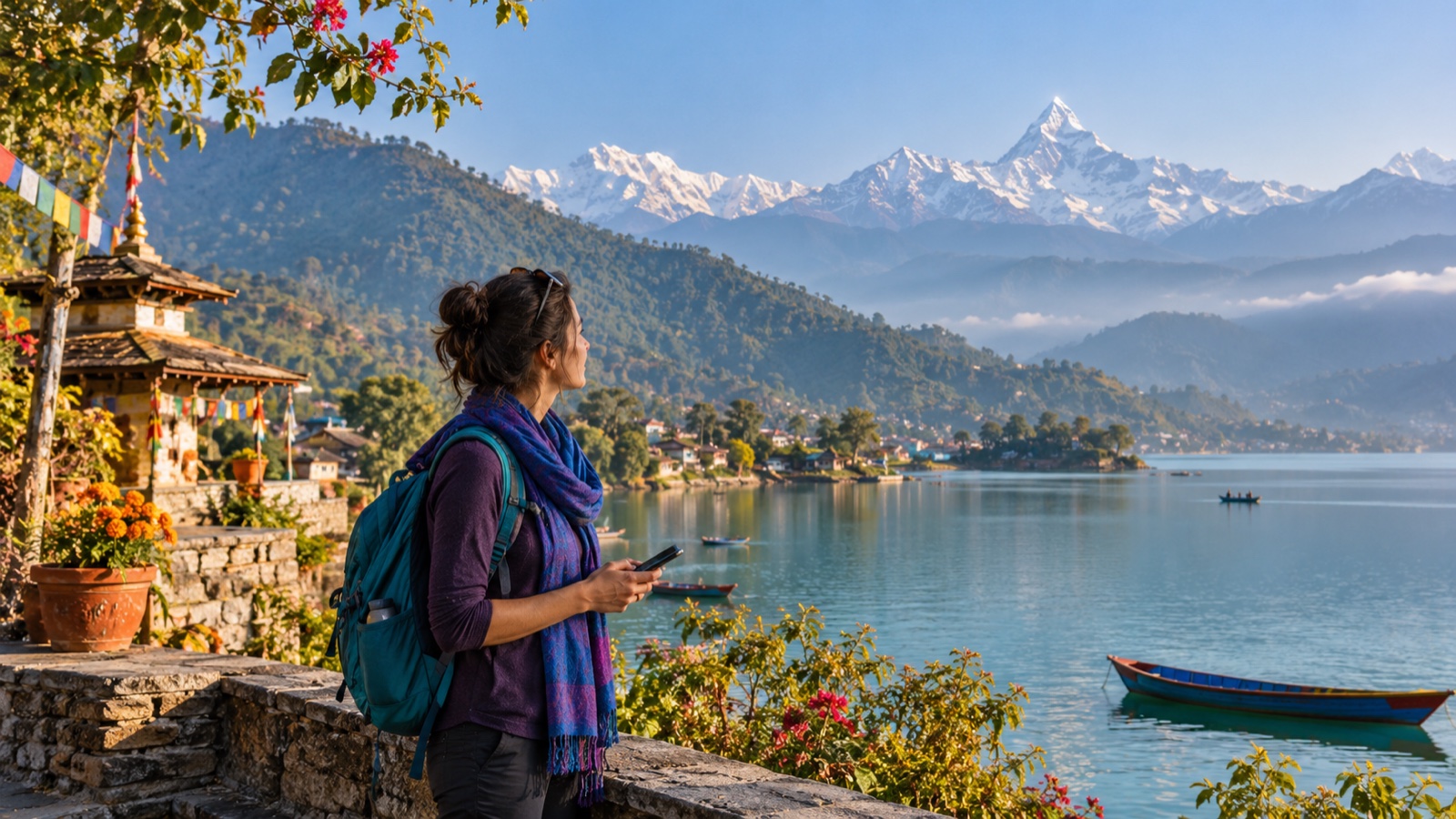
Nepal can be a city-and-lake holiday, a cultural journey or the starting point for a mountain trek. Your internet plan should follow that route. An eSIM is convenient for maps, accommodation messages and transport in connected areas; a Nepal data package is not a promise of reception on every Himalayan trail. This guide pairs a realistic Kathmandu–Pokhara itinerary with the choices you need to make before buying.
Start in Kathmandu: give the valley time
Spend your first day settling in rather than rushing straight to the mountains. Save your accommodation address offline, agree the airport transfer in advance and keep some local cash for small purchases. Thamel is a practical base for traveler services; choose your accommodation for its actual location and access, not only its district name.
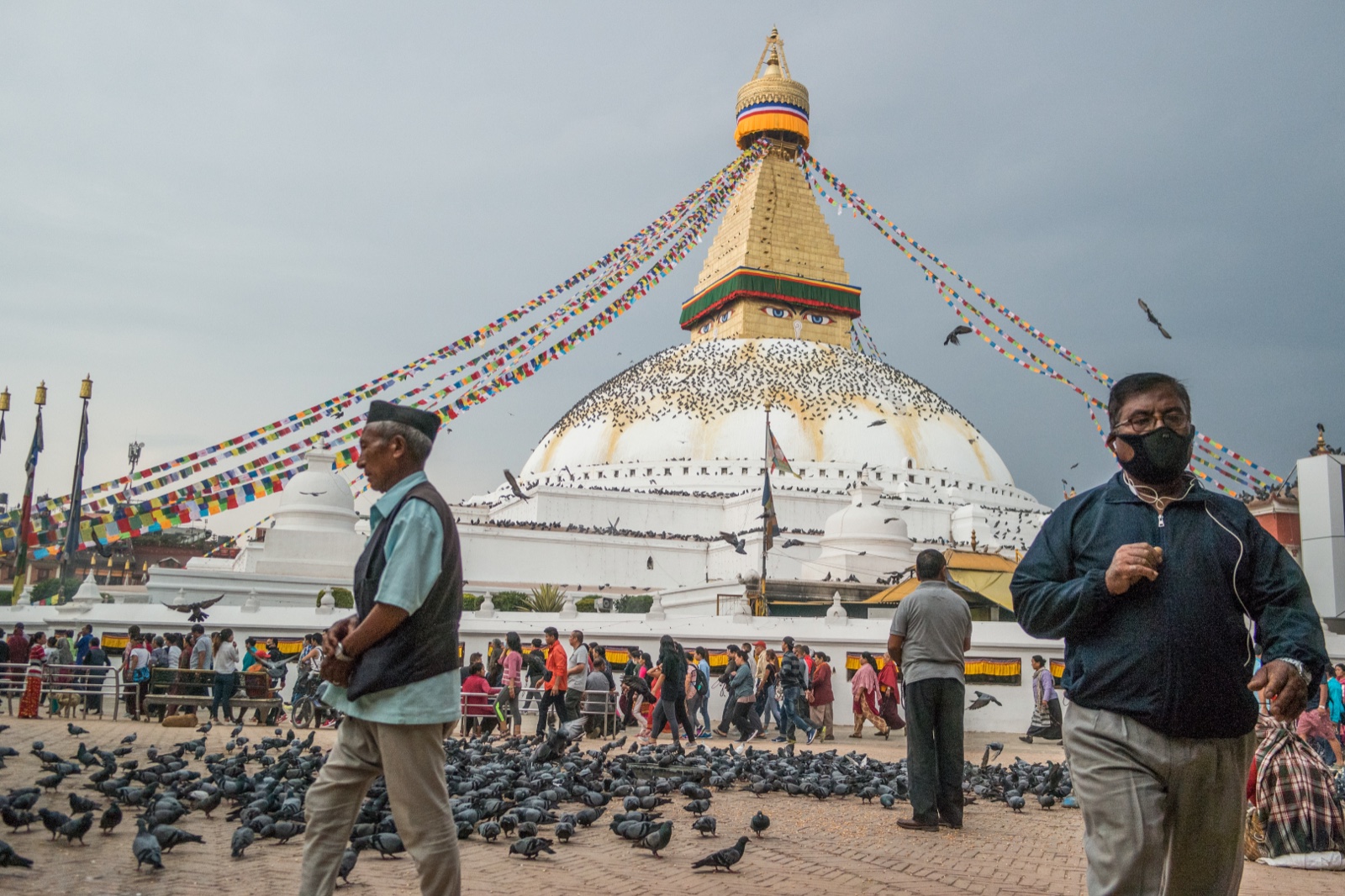
Build the next day around Boudhanath and one historic center, such as Patan or Bhaktapur. These places belong to the valley's broader cultural landscape; they are not interchangeable photo stops. Leave time for walking, food and local craft shops. Dress respectfully at religious sites and ask before photographing people or ceremonies.

Pokhara: lakeside days before mountain days
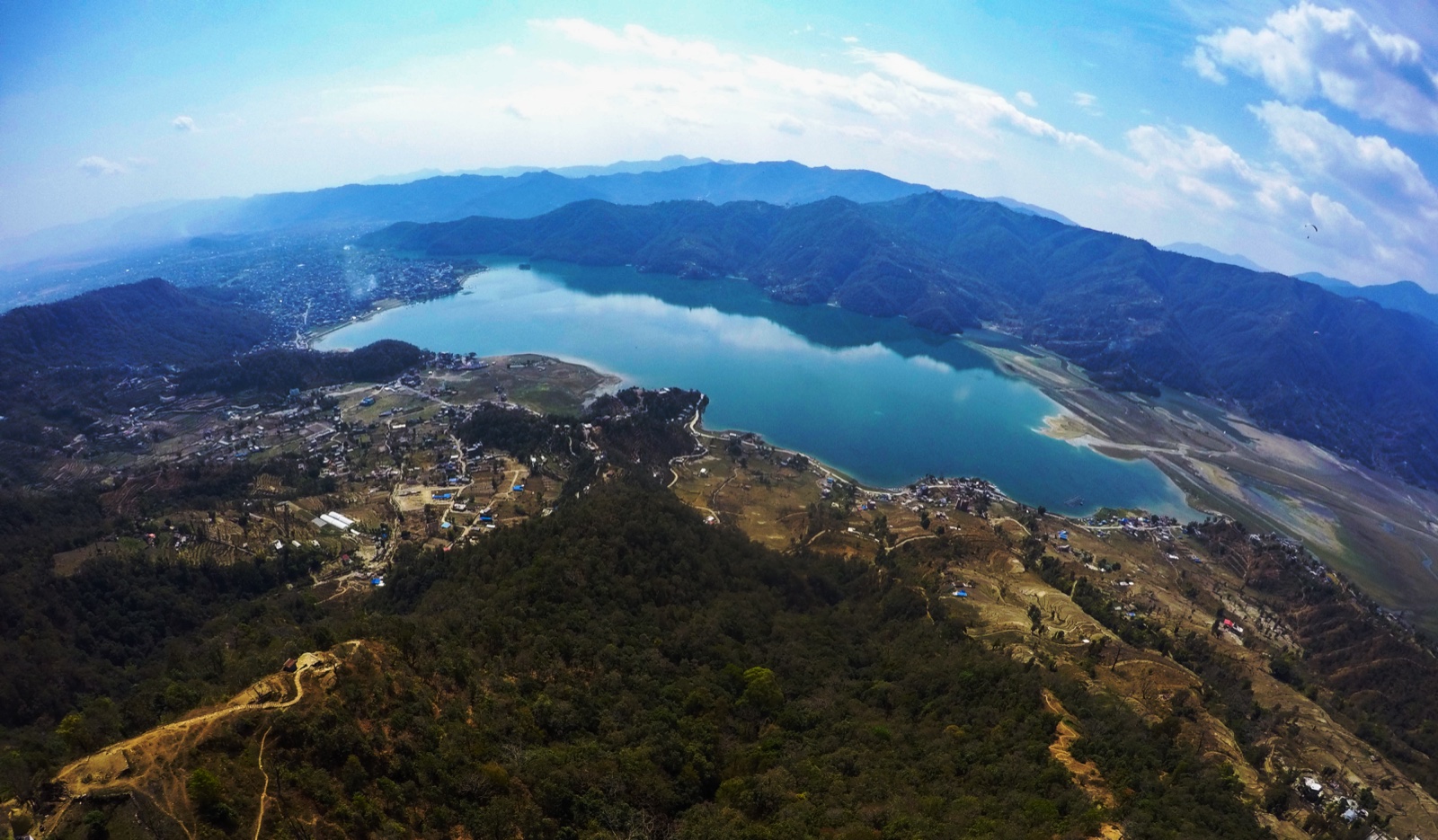
Pokhara offers a different pace: walk beside Phewa Lake, plan a boat outing with a local operator and keep a clear-weather morning available for mountain views. Staying near Lakeside can simplify meals and meeting points. Download your next destination before leaving hotel Wi-Fi, particularly if you are heading outside town.
Do not treat the Kathmandu–Pokhara transfer as a quick gap between two activities. Road conditions, traffic and weather can change the day; domestic flights also need a weather buffer. Avoid connecting a mountain return or domestic flight directly to a non-flexible international departure.

A workable seven-day Nepal itinerary
Use days 1–3 for Kathmandu and the valley, day 4 for the transfer, days 5–6 for Pokhara and a suitable nearby outing, and day 7 as a return or contingency day. This is our planning example, not a guided tour schedule. If both your arrival and departure are in Kathmandu, build enough time into the return leg.
With 10–14 days, add a separately planned trek or a longer stay in one region instead of filling every day with transfers. Trekking permits, guide requirements, altitude and insurance depend on your route. Check current arrangements with Nepal Tourism Board and a qualified local operator. Autumn and spring are commonly favored walking periods, but a seasonal recommendation is not a weather forecast.
Will an eSIM work on a Nepal trek?
The eSIMfo Nepal plans checked on 1 November 2026 use Ncell with 4G/LTE access. Mobile reception depends on the local network, terrain and your exact location. A country listed as covered does not mean continuous reception in a valley, on a pass or at Everest Base Camp.
Before a trek, download the route, booking details and emergency contacts. Agree with your guide how communication will work and tell family when you may be offline. Ask each lodge about Wi-Fi and charging; do not assume either is included or continuously available. A mobile data plan is not a rescue communication system.
Travel eSIM, local SIM or home-network roaming?
A travel eSIM lets you prepare a compatible, unlocked phone before departure. A local tourist SIM can be useful when you need a Nepali number or local calling; ask the operator about registration and bring the required documents. Ncell offers tourist SIM and eSIM options, so compare the service you actually need, not just the word eSIM.
For roaming, check your home operator's Nepal allowance, daily charge and out-of-bundle rate. Hotel Wi-Fi is useful for backups and large downloads, but it does not keep your maps connected between stops. The right choice depends on your route, call requirements and willingness to arrange service after arrival.
How much data should you choose?
Start with your phone's recent usage. For illustration, 300 MB a day for maps, messages and light browsing adds up to about 2.1 GB over seven days. Allow extra for photo uploads, app updates or navigation changes. Video calls and streaming can change that estimate substantially; it is a budgeting example, not a usage guarantee.
Hotspot is supported on eSIMfo products. Sharing with a partner or laptop uses the same package allowance and adds battery demand. Turn off automatic photo backups on cellular data if you want a small plan to last; download entertainment and offline maps over Wi-Fi before traveling.
Nepal eSIM package examples
These EUR examples were checked on 1 November 2026. They are data-only Ncell plans with hotspot support; compare the current Nepal eSIM plans for today's price, validity and activation conditions. The 3 GB product explicitly lists top-up support. Unlimited plans have separate terms that should be read before purchase.
| Data | Validity | Price | Useful starting point |
|---|---|---|---|
| 1 GB | 7 days | €4.00 | Light use and arrival essentials |
| 3 GB | 30 days | €5.95 | Maps, messages and moderate browsing |
| 5 GB | 30 days | €9.20 | More photo sharing or shared data |
| 10 GB | 30 days | €18.40 | Heavier use over a longer trip |
Before departure: a five-point connection check
- Check the exact phone model and regional variant for eSIM support and make sure it is carrier-unlocked.
- Read when the purchased plan's validity begins; installation and the start of validity are not always the same event.
- Install using reliable Wi-Fi and save the installation instructions securely. Do not publish your QR or activation code.
- On arrival, select the Nepal eSIM for mobile data and enable data roaming on that line when instructed. Keep home-line data roaming off to avoid unintended charges.
- Test a map and a message before leaving the airport or hotel. If data fails, check the selected line, roaming setting and the supplied APN instructions in eSIMfo Help Center.
Nepal eSIM: practical questions
Can I buy a Nepal eSIM before arriving?
Yes. You can buy online and install on a supported, unlocked phone using Wi-Fi. Check the specific activation and validity rules before installing.
Which network do eSIMfo Nepal packages use?
The packages checked for this guide use Ncell with 4G/LTE. Recheck the selected product because network availability and package terms can change.
Will I have internet at Everest Base Camp?
This guide does not promise reception there. Mountain coverage varies by route and location. Arrange offline navigation and a communication plan with your trekking operator.
Does the Nepal data eSIM include a local number?
The data-only examples here do not include a Nepali telephone number or conventional voice/SMS allowance. Messaging apps use data; a requirement for local calls should be checked separately.
Can I share my Nepal eSIM connection?
Yes, eSIMfo supports hotspot. The connected devices use the same allowance, and your phone must support and enable personal hotspot.
Is 3 GB enough for one week?
It can suit light or moderate use, especially with Wi-Fi for large downloads. A 300 MB daily budget totals about 2.1 GB in seven days; video, tethering and backups need more.
Choose the route first, then the package
For a first Nepal trip, combine a manageable itinerary, offline essentials and a package matched to your actual use. Compare Nepal eSIM plans and keep eSIMfo Help Center handy for installation. The best plan is the one that fits both your device and your journey.
Sources and editorial notes
Checked 1 November 2026. Prepared by the eSIMfo editorial team using product information and the official sources below; not a firsthand network field test. The cover is an AI-created illustration. Destination photographs are credited below each image. Prices and travel arrangements can change.