
Wi-Fi Calling Abroad: Costs, Setup and Travel eSIMs
Understand Wi-Fi calling abroad, iPhone and Android setup, roaming charges, bank texts and when a travel eSIM can help you stay connected.

In this article
A hotel has good Wi-Fi, your home SIM is still in the phone, and you need to call a normal telephone number. Wi-Fi calling may help—but it is a carrier service, not a promise of free international calls. A travel eSIM supplies mobile data; it does not automatically move your existing number or its SMS service onto that connection.
Three different ways to call abroad
| Method | What it uses | What to check |
|---|---|---|
| Carrier roaming call | Your telephone line on a visited network | Incoming and outgoing roaming prices |
| Carrier Wi-Fi calling | Your existing number over supported Wi-Fi | Carrier eligibility, destination and billing |
| WhatsApp or another app | Wi-Fi or mobile data | The other person needs the app; data consumption |
An internet-only eSIM can support app calls, maps and messaging where those services are available. It does not include ordinary telephone calls or a new number unless the specific product says so. Compare eSIMfo travel packages after deciding whether you actually need data, a telephone number or both.
Set it up before leaving home
On iPhone, open Settings → Cellular/Mobile Service, select the relevant line if you have several, then Wi-Fi Calling. Enable it and provide an emergency address if requested. Check the carrier’s Wi-Fi indicator in Control Center and make a test call. Menu wording varies by language and software version; Apple’s instructions explain supported configurations.
On Android, search Settings for “Wi-Fi calling.” A common path is Network & internet → SIMs → your carrier → Wi-Fi calling, but Samsung and other devices may use different menus. A missing option can mean the carrier or device does not support it. Google’s guidance makes clear that availability depends on the carrier. Activation before departure gives you time to resolve account restrictions.
What does Wi-Fi calling cost abroad?
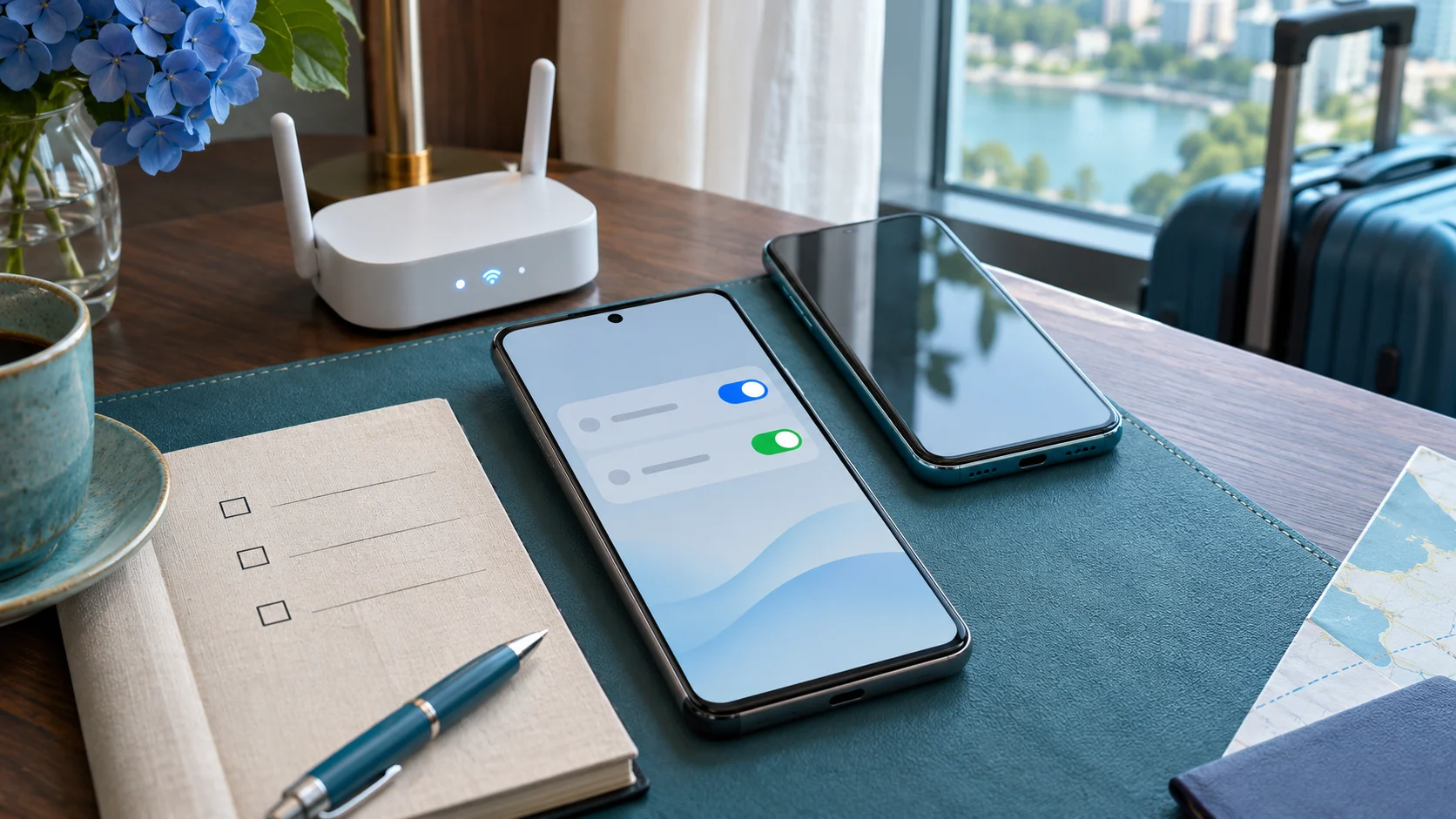
Ask your operator three separate questions: what do incoming calls cost, what do calls to home cost, and what do calls to your destination or a third country cost? “Wi-Fi” describes the connection, not the tariff. International calling charges can still apply. For example, T-Mobile’s support page distinguishes call destinations and plan allowances; its terms should not be generalized to every operator.
Turning data roaming off does not disable voice or SMS roaming. If a Wi-Fi call loses its connection, a supported phone may fall back to cellular service. On hotel Wi-Fi, airplane mode followed by manually re-enabling Wi-Fi can prevent cellular fallback on a compatible setup. Test this first: airplane mode also disables your travel eSIM’s cellular data, and emergency calling behavior can differ.
Can the home line use the travel eSIM’s data?
Some dual-SIM combinations support backup calling through the other line’s data. This depends on the phone, software and both carrier arrangements; it is not a universal eSIM feature. Google’s Pixel documentation describes supported dual-SIM behavior. T-Mobile, for example, lists cellphone hotspots as unsupported for its Wi-Fi calling service. A working hotspot therefore does not prove that carrier calling will work through it.
eSIMfo supports hotspot for internet sharing. That is useful for a laptop or a companion’s browsing, but it does not guarantee another operator’s Wi-Fi calling. Plan family sharing or separate connections around where people will be, not just around the cheapest shared allowance.
Bank texts and a practical fallback
Keep the bank’s registered number on the relevant active line. Buying another eSIM number does not redirect verification texts. SMS over Wi-Fi calling depends on the operator and device; a bank may also impose its own delivery rules. Before travelling, check the bank’s official alternative verification methods and save your operator’s support details. Never share a verification code with someone claiming to “activate” your eSIM.
If a call fails, finish the hotel’s Wi-Fi sign-in, check that the Wi-Fi calling indicator appears, and try another permitted network. Verify carrier eligibility before changing settings. Do not delete your eSIM profile as a first troubleshooting step. Keep a confirmed alternative—an app call, a suitable voice package or the hotel telephone—for important calls.
Wi-Fi calling abroad: frequently asked questions
Is Wi-Fi calling abroad free?
Not automatically. Charges depend on your operator, plan and the number being called. Check incoming, home-country and international call conditions separately.
Does a data-only travel eSIM give me a phone number?
Usually not. The products described as data-only provide internet; ordinary calls and SMS require an appropriate telephone service.
Can I use Wi-Fi calling in airplane mode?
Often, if your carrier and device support it and you manually turn Wi-Fi back on. Test it first. Airplane mode also turns off cellular data on the travel eSIM.
Will bank verification texts arrive over Wi-Fi?
Only if the operator and device support the required SMS service and the bank delivers the message. Keep the registered line active and arrange an official fallback.
Can my home SIM call through another eSIM’s data?
Some devices and operators support backup calling, but not all. Confirm the exact combination and test it before relying on it abroad.
What if the Wi-Fi connection drops?
A call may end or move to cellular service, depending on configuration. Cellular fallback can incur roaming charges; turning off data roaming alone does not block voice roaming.
Editorial review: 18 November 2026. eSIMfo publishes this guide and sells travel connectivity. This is a configuration guide, not a carrier billing guarantee. Images are original AI-generated travel illustrations.